




.png?width=512&height=512&name=FlowFit_Flavicon%20(1).png)







-
“The XTM team was able to go out of their way to create a tailored solution for us, and we’re looking at introducing even more automation in the future. The fact that they are localization experts makes a big difference as they truly understand our needs.”

Deepak Nagabhushana
Staff Localization Project Manager, GoTo -
"XTM forms a big global ecosystem of seamlessly connected accounts to which thousands of users connect daily. Overall, the result is better quality with fewer resources."
.webp?width=270&height=270&name=Acolad-image-270x270%20(1).webp)
Vincent Rigal
CAT Tools Products Owner, Acolad -
“XTM stood out because it made it possible and easy for all our freelancers to work on a single, centralized platform. This enables us to monitor progress, and after the completion of a job, we can easily allocate that license to another vendor. This makes my daily tasks a lot easier, and I can focus on other value-added tasks.”
.jpg?width=472&height=536&name=admin-ajax%20(1).jpg)
Elisabeth Feulner
Project Manager, Allround Service -
“With XTM, we can now offer all customers across the world the same level of support and access to every new product we launch more quickly while reducing costs and errors, and ensuring consistency across all content.”

Dominic Pemberton
VP of Content, RS Group -
“There’s no way we could be running the same operations today if we didn’t have the right tech stack in place.”

Alex Katsambas
Senior Head of Localization Services, FARFETCH -
“We had a phenomenal setup with our content management system feeding automatically into and out of XTM. Now we’re able to harness the very best of both machine translation and human editing for outstanding cost efficiency.”

Ronald Egle
Content Systems Administrator, Ariel Corporation -
“XTM has become an integral part of our translation workflows, enabling us to deliver high-quality services to our clients efficiently and effectively.”
.jpg?width=600&height=579&name=admin-ajax%20(2).jpg)
Daniela Gorry
Operations Director, Translations at THG Fluently – Ingenuity Commerce -
“One of the delightful functionalities of XTM is its custom analysis templates, which can extract content from any complex source file format, like Java, send it for translation and then convert it back to its original format upon completion of the work.”
Deepak Nagabhushana
Staff Localization Project Manager, GoTo -
“Since implementing XTM, the volume of translated words for our most frequent language pairs has increased by approximately 10%. This wouldn’t have been possible without all the added automation a TMS provides.”
Elisabeth Feulner
Project Manager, Allround Service -
“XTM has been instrumental in streamlining our language solutions at THG Fluently – Ingenuity Commerce. With centralized resources, improved project visibility, and enhanced communication management, we have achieved greater productivity, cost savings, and client satisfaction.”
Daniela Gorry
Operations Director, Translations at THG Fluently – Ingenuity Commerce
See exactly how your translations look
Replace manual screenshots with interactive, automated UI previews that stay in sync with your latest build. Rigi’s capture technology connects strings to visual context automatically, cutting developer time by 80%.
Trusted by teams at over 1,000 of the world’s leading organisations
.png)












Give localisation teams the full picture
Rigi’s software screen capture links every string to real UI context, helping teams review translations accurately without manual screenshots or developer support.
-

Capture previews effortlessly
-
Connect strings automatically
-
Identify missing strings instantly
-
Capture screens as you test
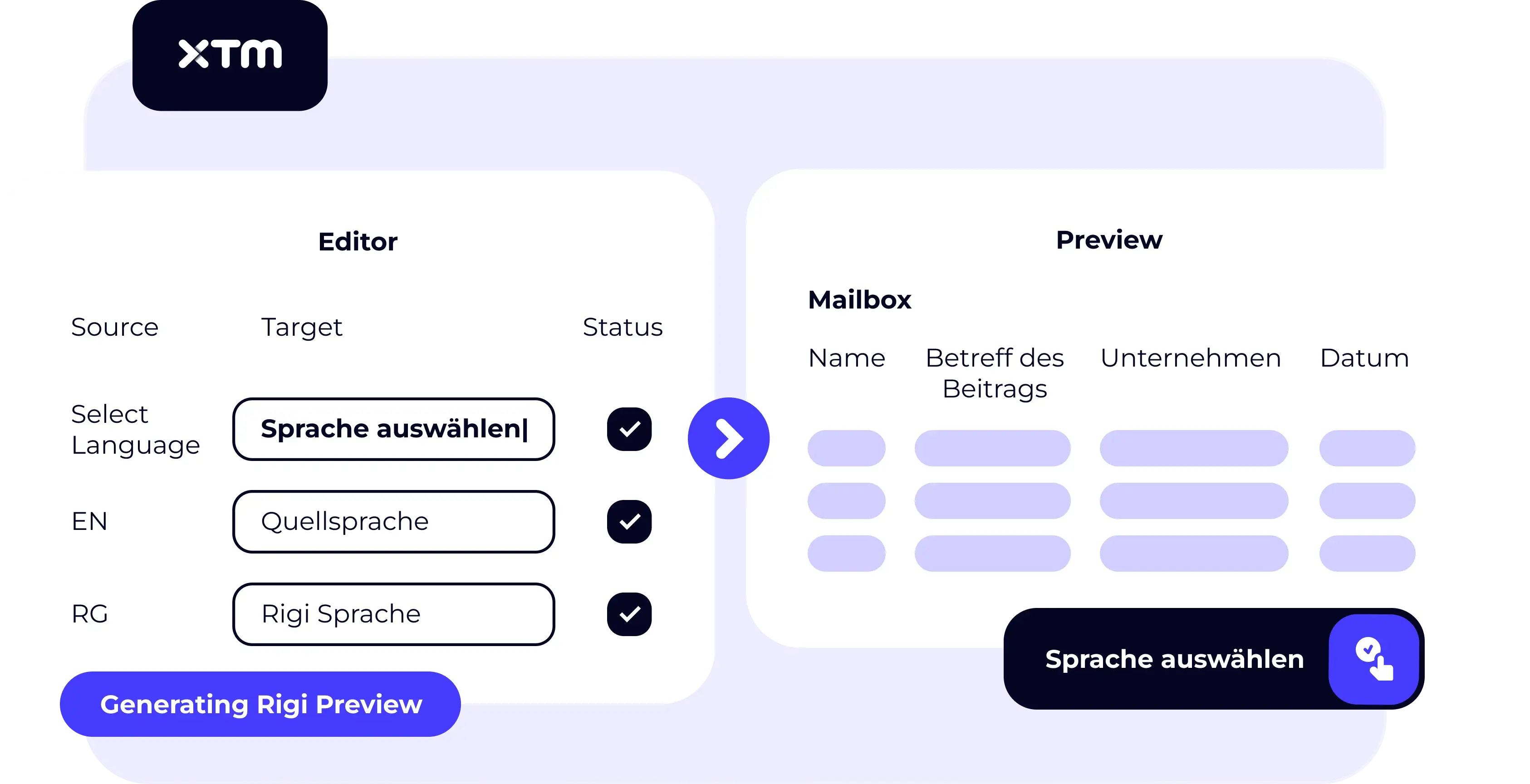
Capture previews effortlessly
Generate live HTML previews simply by navigating through your app. Connect to automated UI tests with no developer changes or extra coding required.
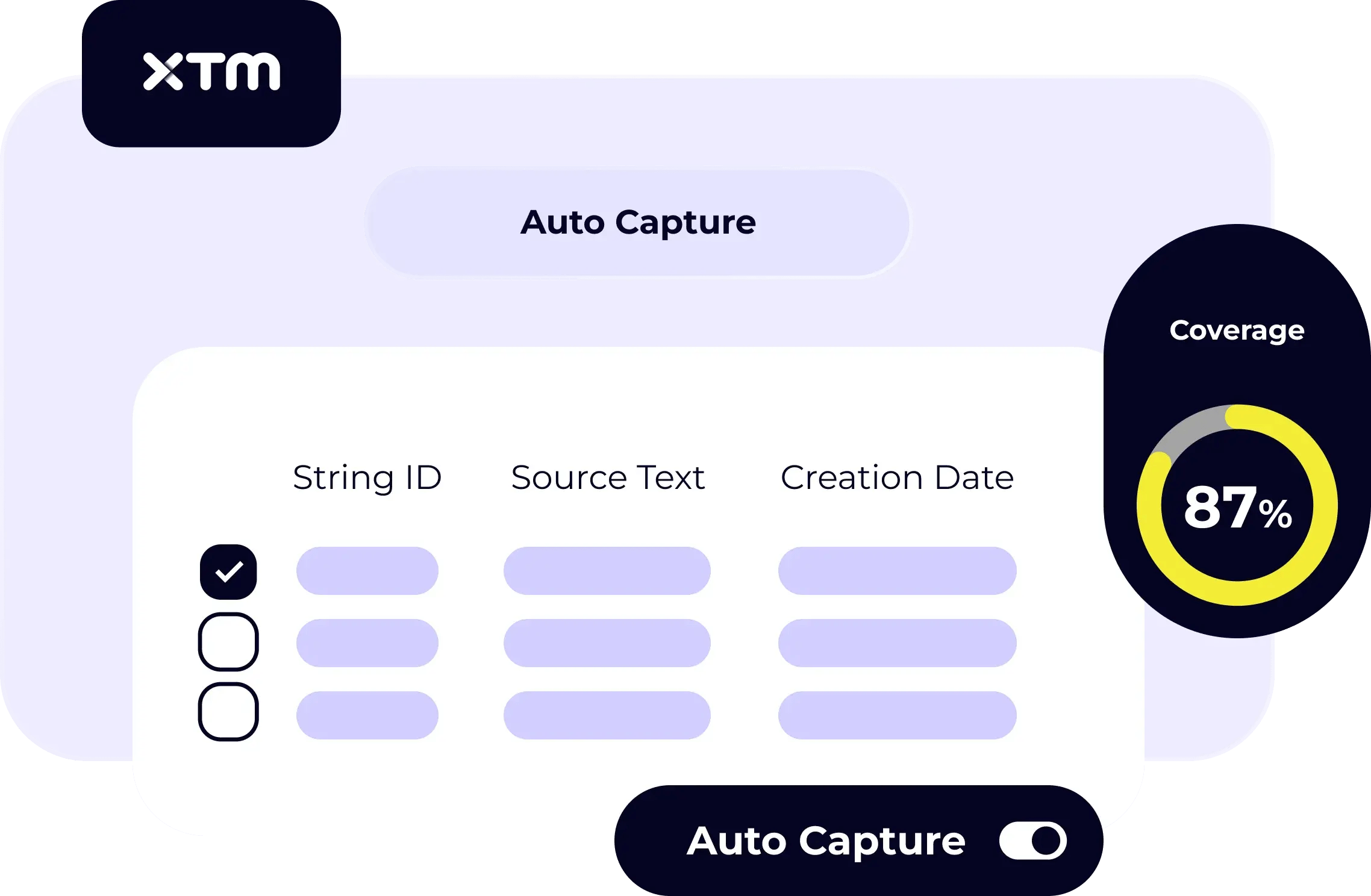
Connect strings automatically
Rigi recognises all text elements on-screen, linking them to your source strings without manual effort — ensuring every translation is matched to its visual context.
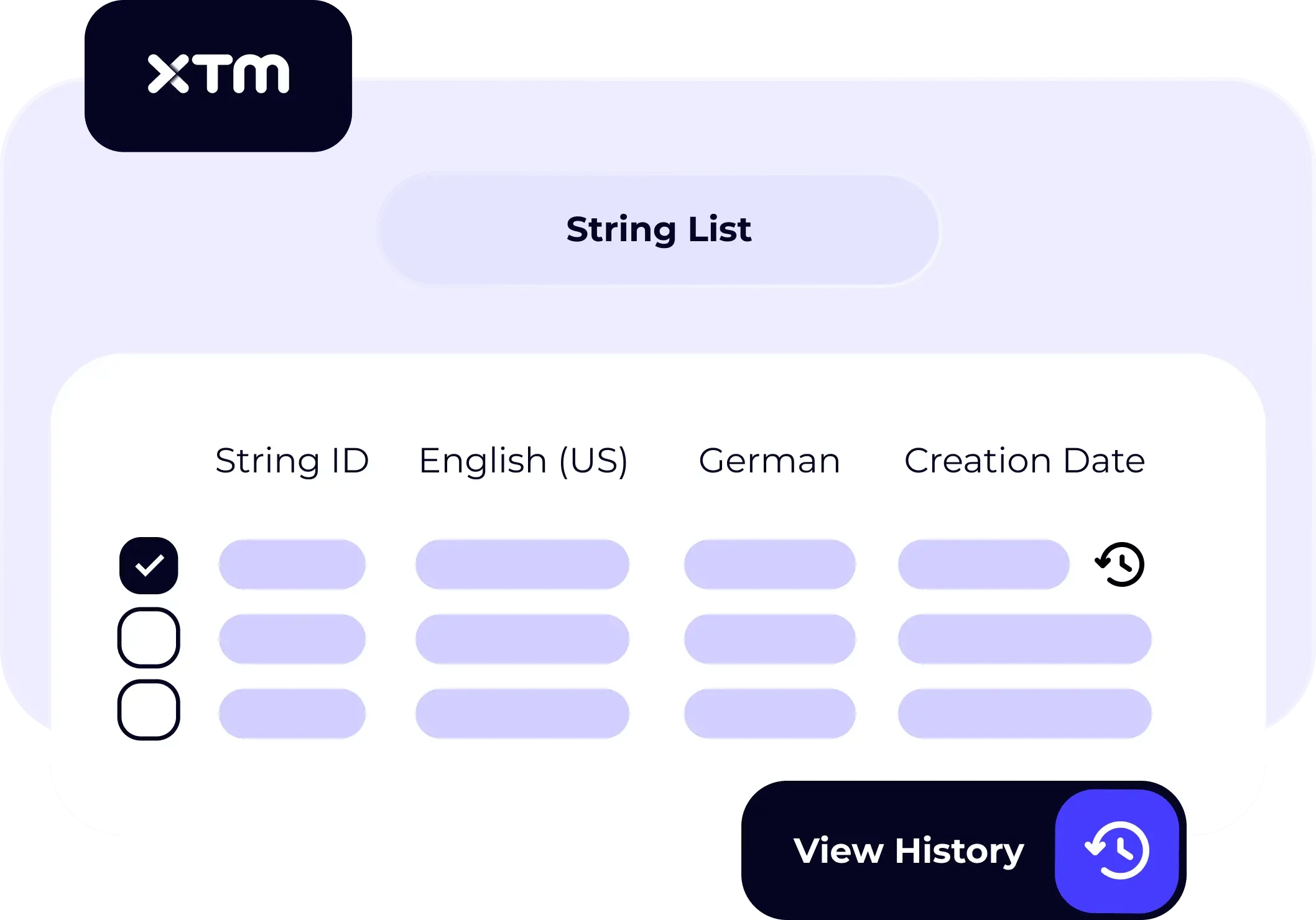
Identify missing strings instantly
Generate a full coverage report after your session to see which strings still lack context and share a clear, actionable list with your developers.
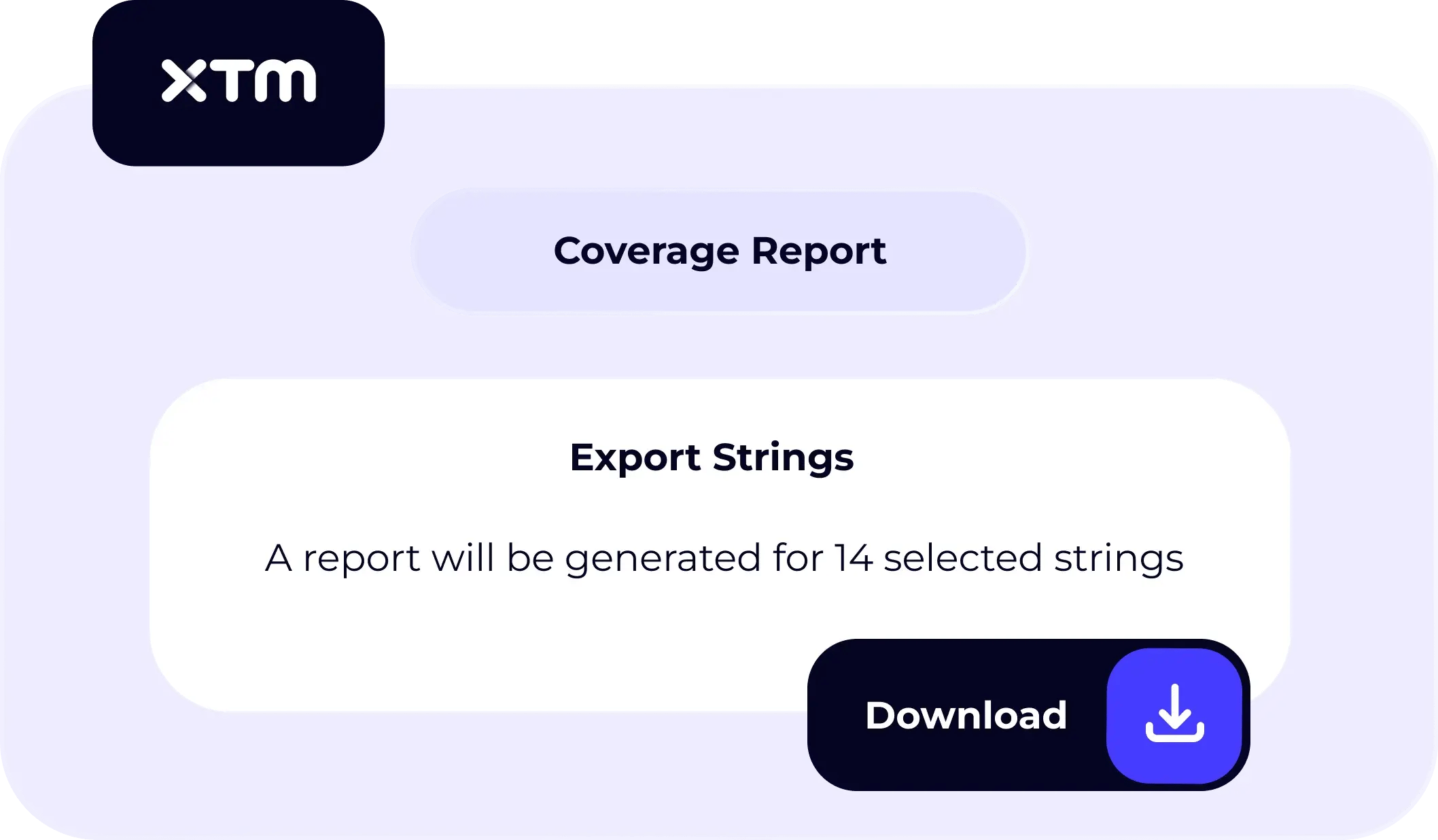
Capture screens as you test
Integrate Rigi capture directly into your UI test scripts. Each time a page or feature loads, screenshots are collected automatically to keep previews current.
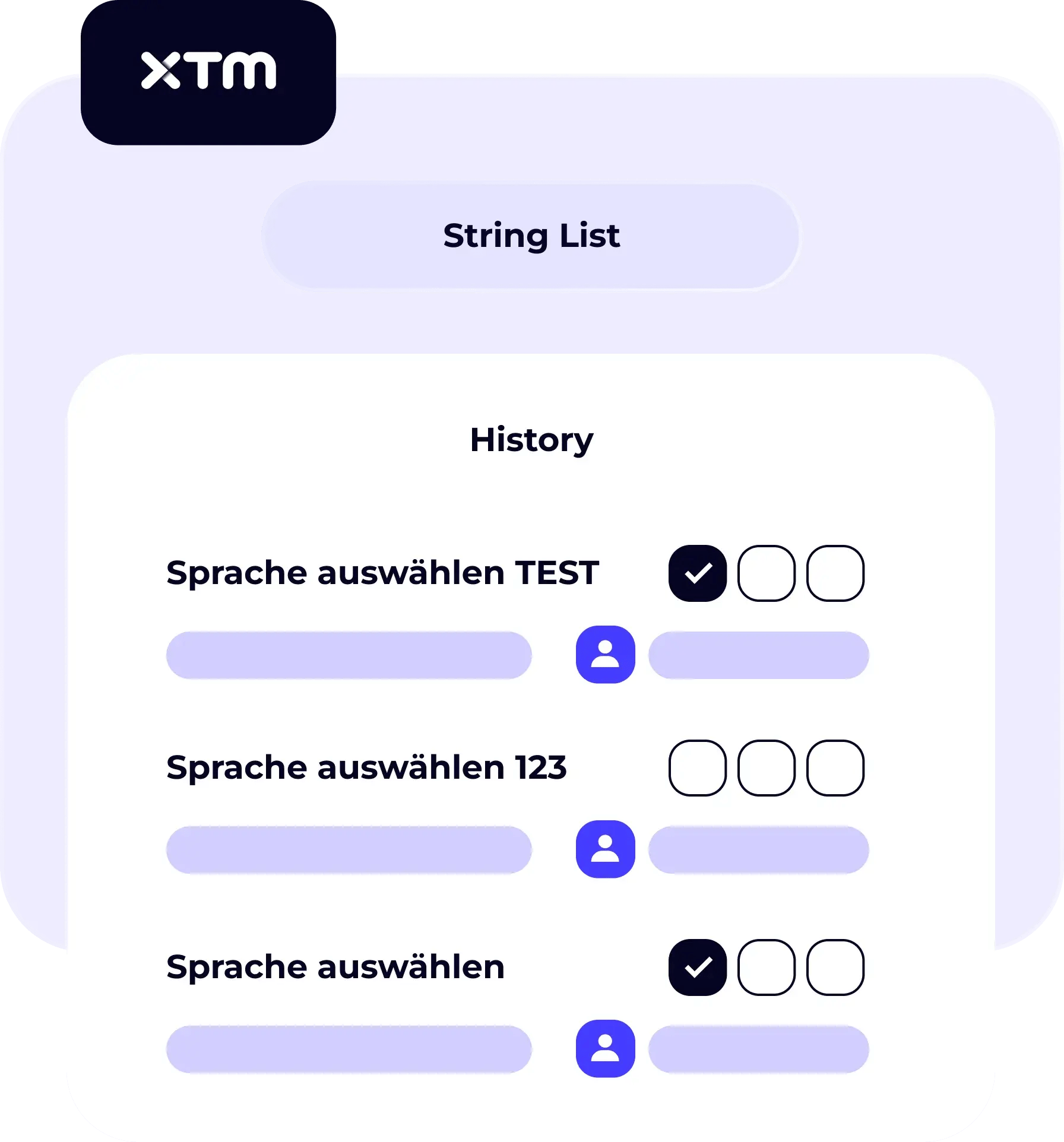
Capture previews effortlessly
Generate live HTML previews simply by navigating through your app. Connect to automated UI tests with no developer changes or extra coding required.
Connect strings automatically
Rigi recognises all text elements on-screen, linking them to your source strings without manual effort — ensuring every translation is matched to its visual context.
Identify missing strings instantly
Generate a full coverage report after your session to see which strings still lack context and share a clear, actionable list with your developers.
Capture screens as you test
Integrate Rigi capture directly into your UI test scripts. Each time a page or feature loads, screenshots are collected automatically to keep previews current.
Capture previews effortlessly
Generate live HTML previews simply by navigating through your app. Connect to automated UI tests with no developer changes or extra coding required.
Connect strings automatically
Rigi recognises all text elements on-screen, linking them to your source strings without manual effort — ensuring every translation is matched to its visual context.
Identify missing strings instantly
Generate a full coverage report after your session to see which strings still lack context and share a clear, actionable list with your developers.
Capture screens as you test
Integrate Rigi capture directly into your UI test scripts. Each time a page or feature loads, screenshots are collected automatically to keep previews current.
Capture previews effortlessly
Generate live HTML previews simply by navigating through your app. Connect to automated UI tests with no developer changes or extra coding required.
Connect strings automatically
Rigi recognises all text elements on-screen, linking them to your source strings without manual effort — ensuring every translation is matched to its visual context.
Identify missing strings instantly
Generate a full coverage report after your session to see which strings still lack context and share a clear, actionable list with your developers.
Capture screens as you test
Integrate Rigi capture directly into your UI test scripts. Each time a page or feature loads, screenshots are collected automatically to keep previews current.
Capture previews effortlessly
Generate live HTML previews simply by navigating through your app. Connect to automated UI tests with no developer changes or extra coding required.
Connect strings automatically
Rigi recognises all text elements on-screen, linking them to your source strings without manual effort — ensuring every translation is matched to its visual context.
Identify missing strings instantly
Generate a full coverage report after your session to see which strings still lack context and share a clear, actionable list with your developers.
Capture screens as you test
Integrate Rigi capture directly into your UI test scripts. Each time a page or feature loads, screenshots are collected automatically to keep previews current.
See how Rigi transforms localisation testing
Preview translations as they’ll appear in your product, speed up reviews, and deliver flawless user experiences without the dev backlog.
See what our customers say
Trusted by global teams to centralise and scale localisation with confidence.









Connect with your favourite tools
XTM integrates with the platforms you already use.















.svg.png)





















































Ready to automate your localisation workflow?
Stop wasting developer time on manual screenshots. Our software screen capture technology gives your team the context they need while keeping your development cycle moving fast.